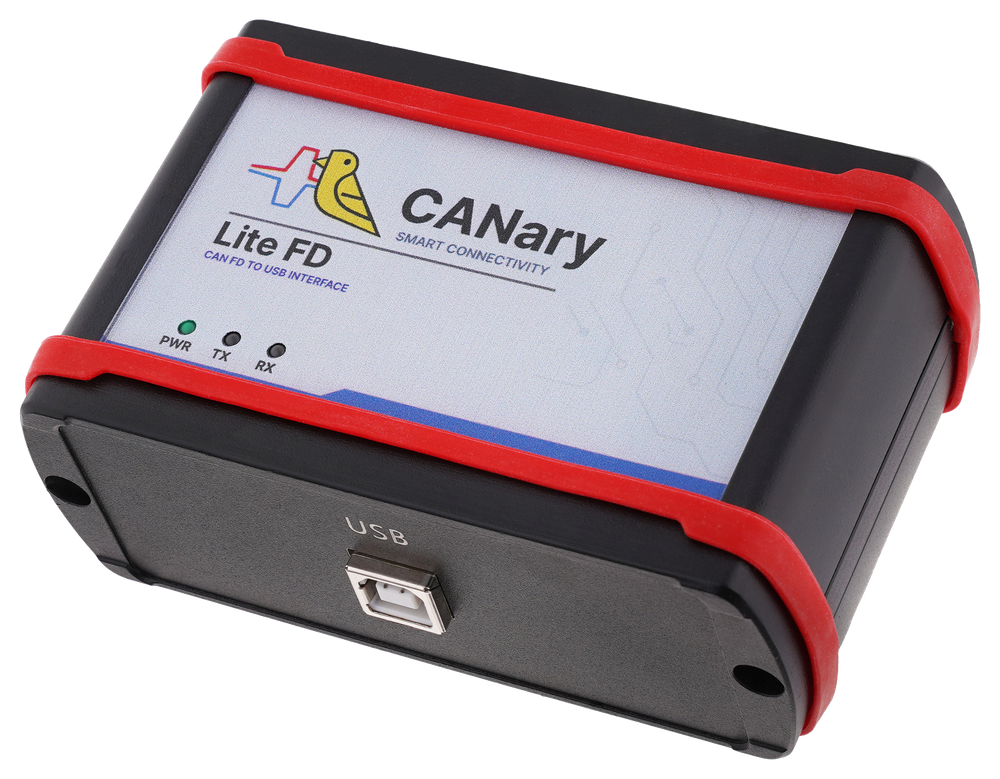
CANary Lite FD
Compact CAN/CAN FD interface
for testing, logging, diagnostics,
and bench automation.
Price: 350 EUR
Order CANaryDownloadsProduct overview
CANary Lite FD is a USB-to-CAN/CAN FD interface for engineers, test benches, diagnostics, and lab automation. It connects a Windows or Linux PC to a target CAN bus and works together with the CANary desktop application.
Use it to observe live bus traffic, send controlled test frames, decode DBC signals, record logs, build dashboards, run repeatable scripts, and work with simple 0 to 5 V I/O signals.
Package
Hardware device, desktop app, manuals, and EU DoC.
Systems
Windows x64 and Linux x64 installers are available.
Price
CANary Lite FD package price: 350 EUR.
Order
Send a request and NodetLab confirms invoice and delivery details.
See CANary in motion
Short product clips for the CANary Lite FD hardware and desktop workflow preview.
Bench demo
Custom CANary workflows
NodetLab can prepare customer-specific CANary application tabs, panels, and guided workflows for service, production, validation, or workshop use.
ECU flashing flows
Guided steps for authorized bench flashing work, with trace capture and project-specific checks.
Parameterization
Custom screens for setting, writing, and checking customer parameters from repeatable procedures.
Diagnostics
Diagnostic request and response workflows, decoded values, status checks, and service evidence logs.
Application modifications
Project templates, dedicated tabs, DBC mapping, panel layouts, and automation tailored to your process.
Device features
CAN and CAN FD
Classic CAN and CAN FD support for development, diagnostics, validation, and maintenance benches.
USB local interface
Connect the target CAN bus to a Windows or Linux PC through local USB serial communication.
Identifier formats
Work with standard 11-bit and extended 29-bit arbitration IDs, with common STD and EXT workflows.
CAN FD timing
Use nominal CAN rates from 10 to 1000 kbit/s and CAN FD data phase settings for bench testing.
0 to 5 V I/O
Use D1/D2 PWM-capable digital I/O, D3/D4 digital I/O, and A1..A4 analog inputs for bench signals.
DBC support
Load, browse, edit, and use DBC files for decoded signals, message work, and dashboard panels.
Logging and review
Record TXT, JSON, CANary MDF-style, and BLF logs, then inspect them later in Log Viewer.
Python automation
Run repeatable scripts inside the application for frame transmit, signal work, I/O, and test steps.
Complete package
Includes the hardware device, desktop application, Windows and Linux packages, manuals, and EU DoC.
Desktop application features
The CANary desktop app gives engineers one local workspace for connection setup, live traces, transmitting frames, DBC work, logging, dashboards, I/O, Python scripts, log review, bus-load review, language settings, and project files.

Connection
Connect to CANary hardware, select classic CAN or CAN FD settings, scan common speeds, and work locally over USB without a cloud login for normal operation.

Trace
Monitor live CAN and CAN FD messages with clear frame details.

Transmit
Send test frames and repeat controlled bus messages from the PC.

Database
Load and manage DBC data for decoded signal workflows.
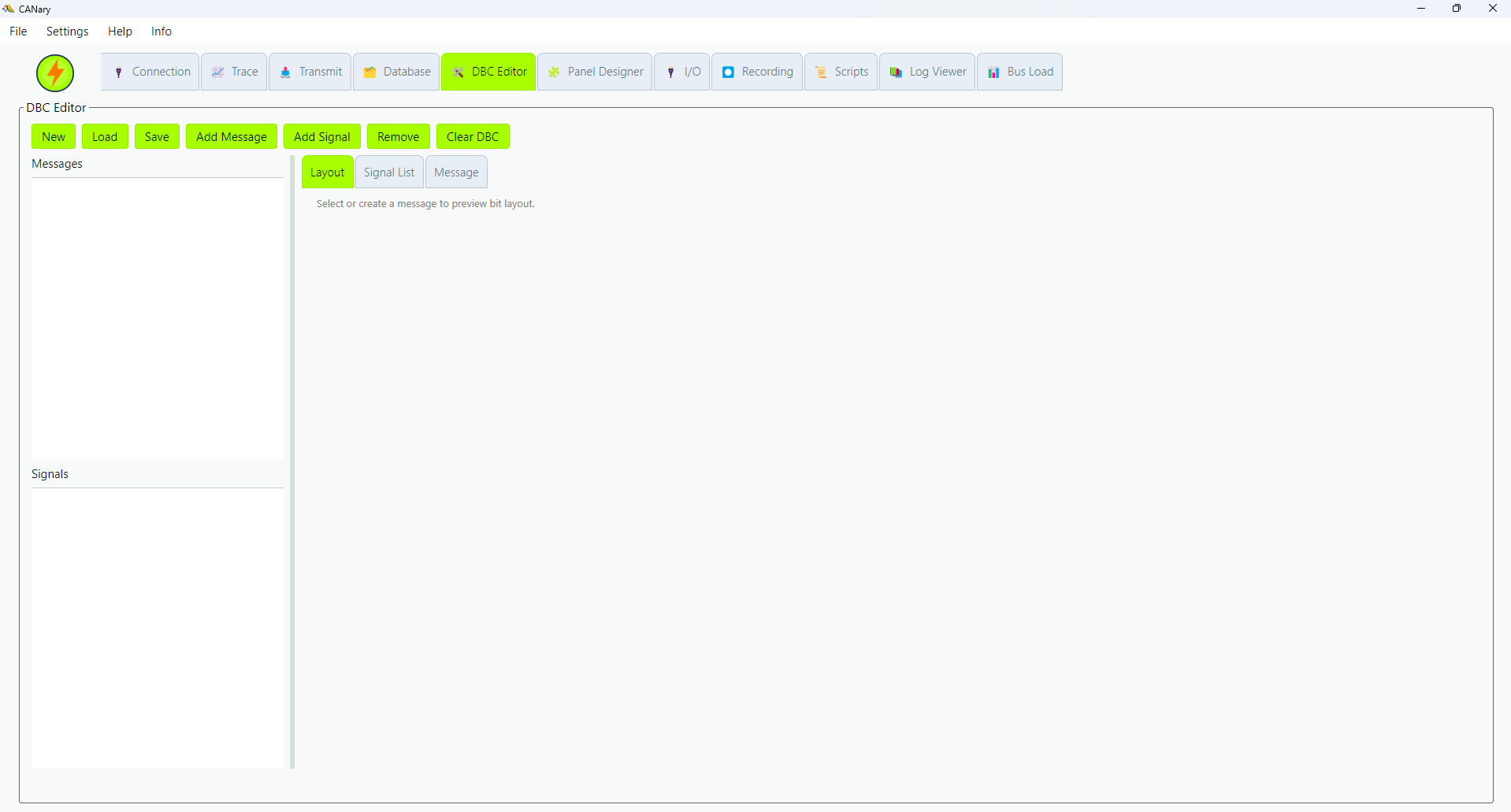
DBC editor
Create and edit messages, signals, scaling, and database structure.

Panel designer
Build dashboards for decoded signals and bench monitoring.
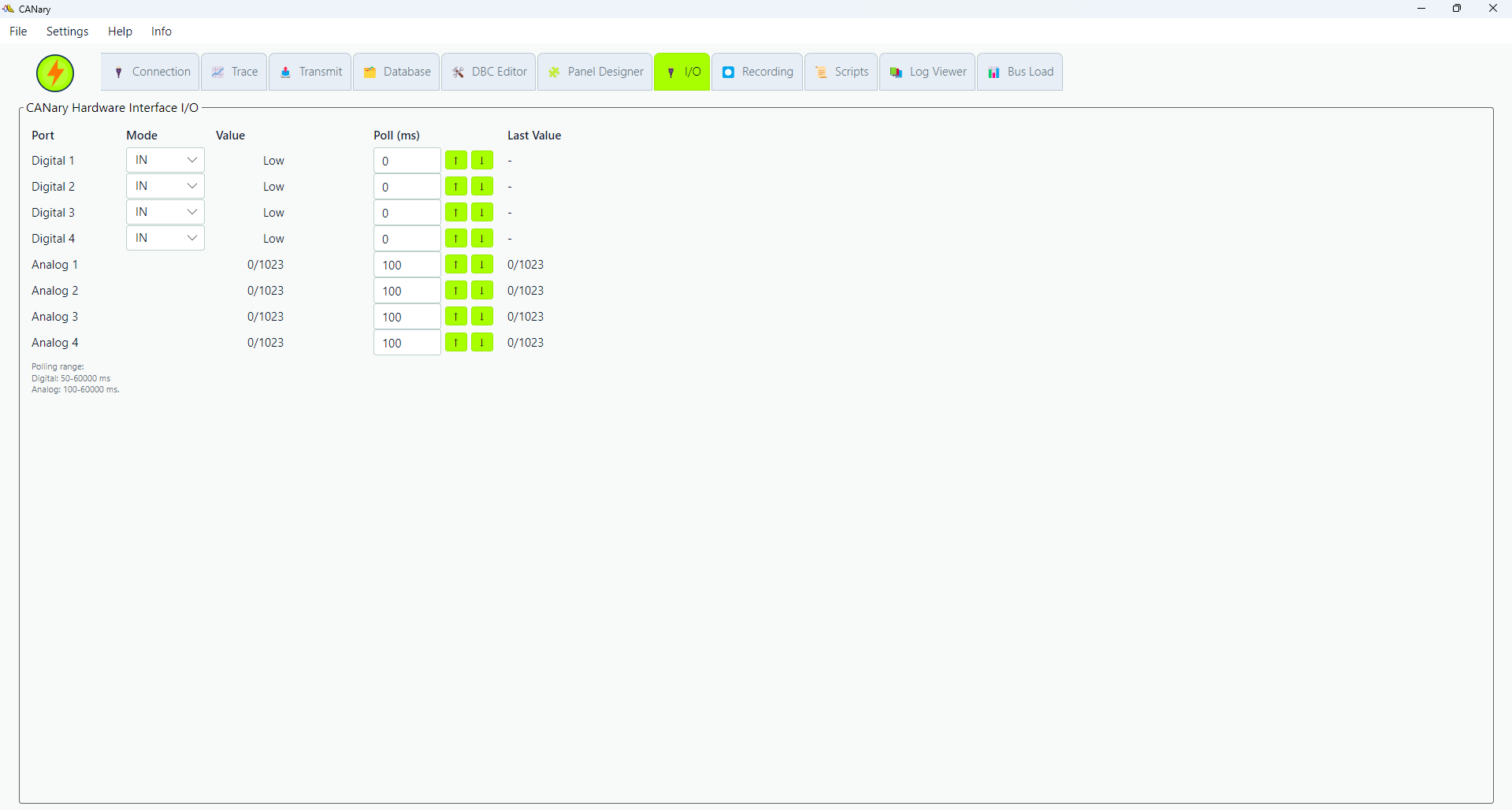
I/O
Read analog and digital inputs and control supported outputs.
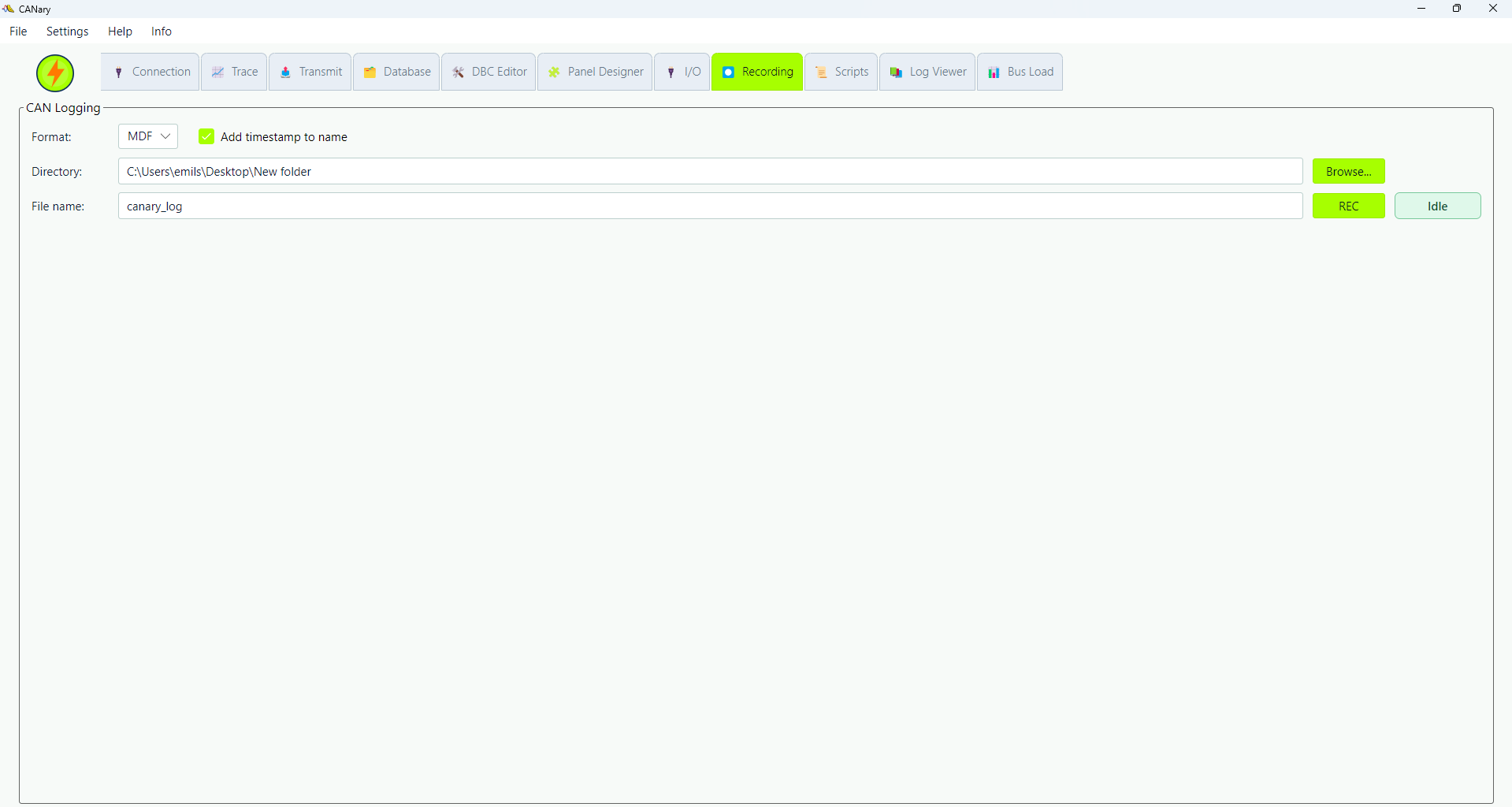
Recording
Record bus data for troubleshooting, evidence, and later review.
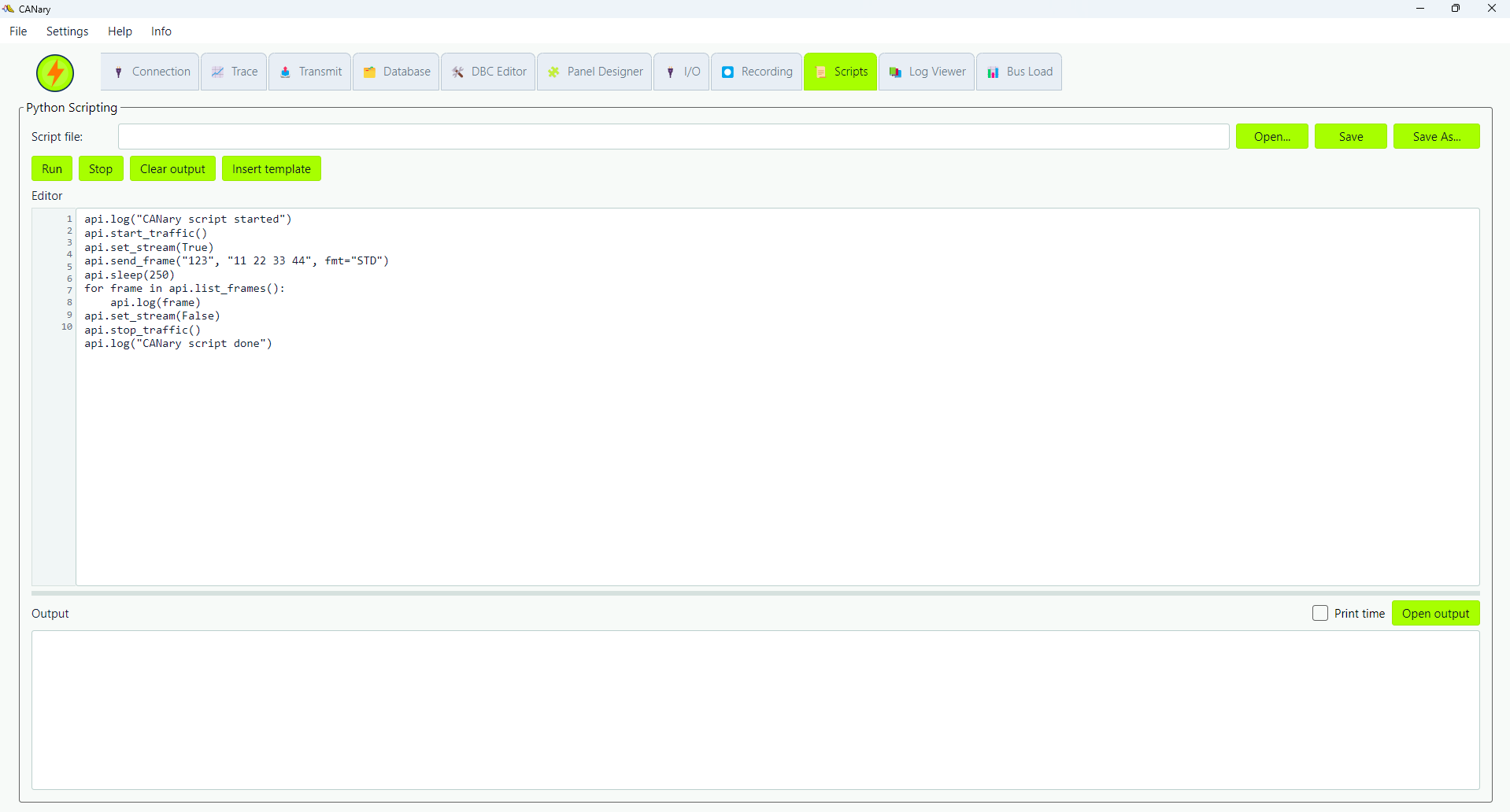
Python scripts
Run repeatable procedures inside CANary with script logging, CAN transmit helpers, DBC signal actions, and I/O checks.

Log Viewer
Open saved logs offline, switch between raw frames and decoded DBC signal values, and review captured evidence.
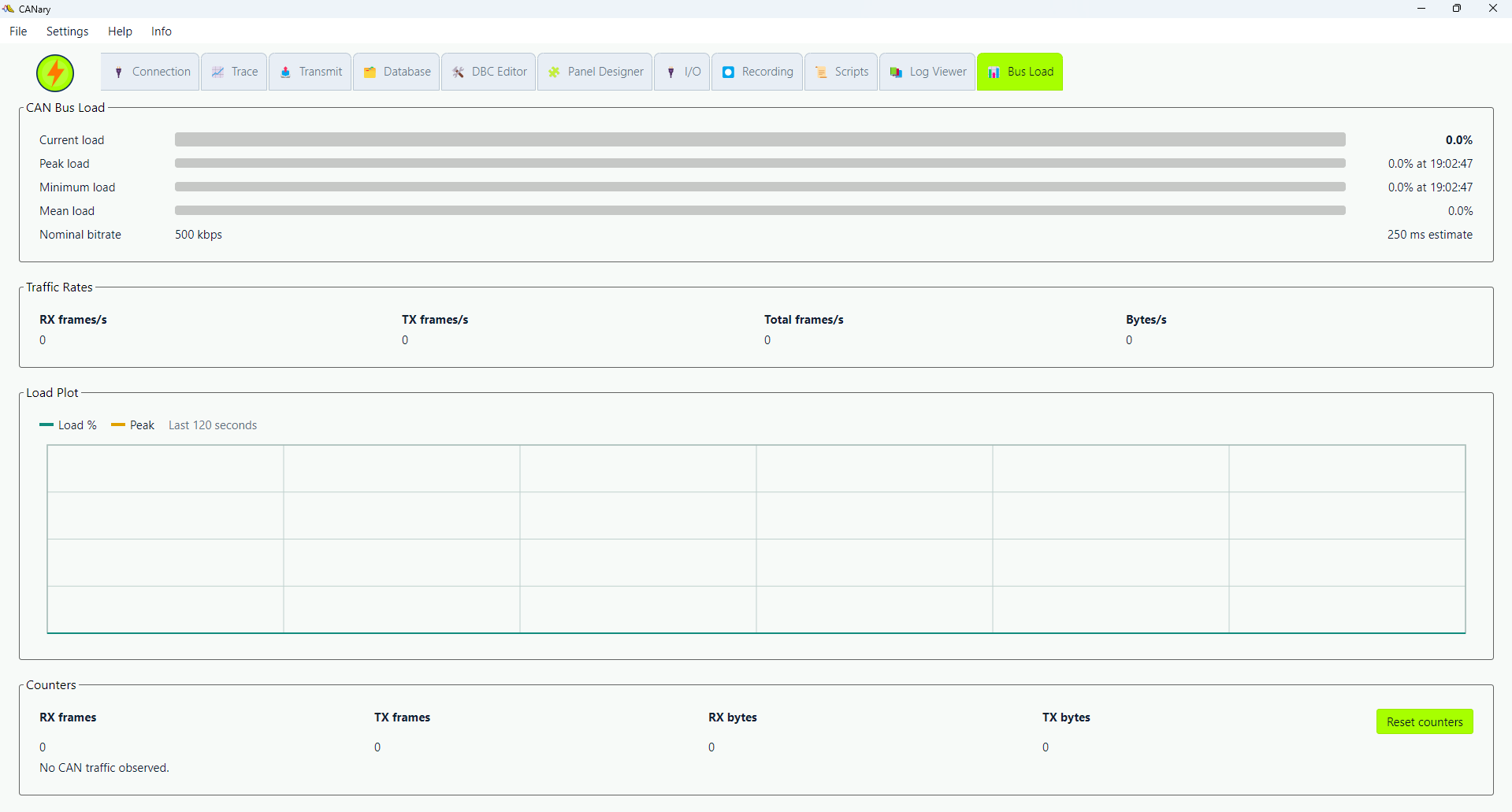
Bus Load
Watch live bus utilization, RX and TX rates, byte rates, counters, and recent load trends during a test.
Local app
No cloud login is required for normal CANary hardware use.
Trace and transmit
Monitor live traffic and send raw or DBC-based frames.
DBC tools
Import databases, edit messages, and decode signals.
Python scripts
Automate repeatable checks, actions, and evidence capture.
Logs and bus load
Record, review, and measure live network utilization.
Languages and theme
Use application settings for language and visual theme selection.
Downloads and documents
Windows installer
CANary desktop application installer for Windows x64, version 1.1.88.
Download WindowsEnglish manual
CANary User Manual for setup, wiring, application workspaces, troubleshooting, and support.
Download English PDFGerman manual
Deutsches CANary Benutzerhandbuch fur Einrichtung, Verkabelung, Arbeitsbereiche, Fehlerbehebung und Support.
Download German PDFPolish manual
Polska instrukcja obslugi CANary: konfiguracja, okablowanie, aplikacja, diagnostyka i wsparcie.
Download Polish PDFDevice and box photos

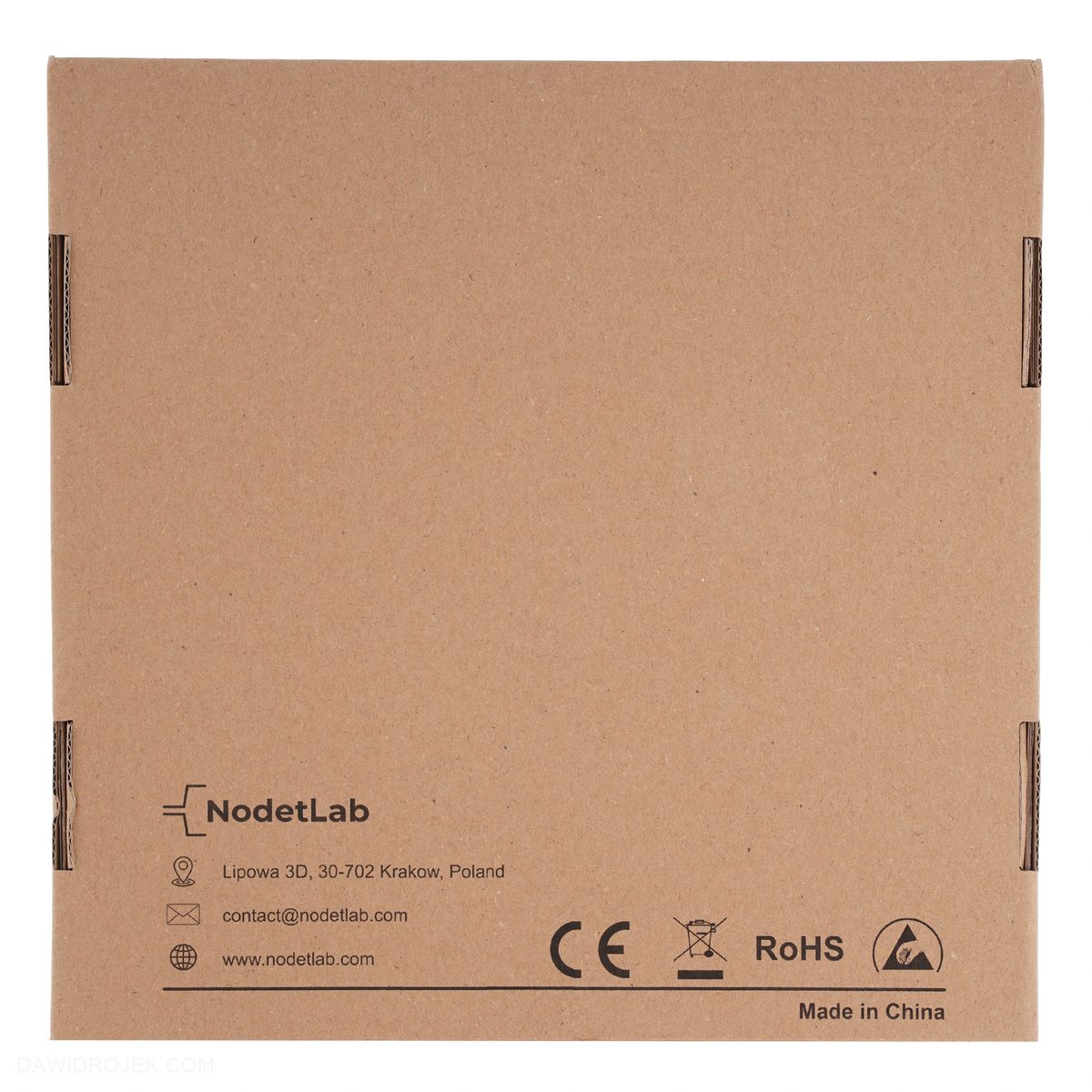
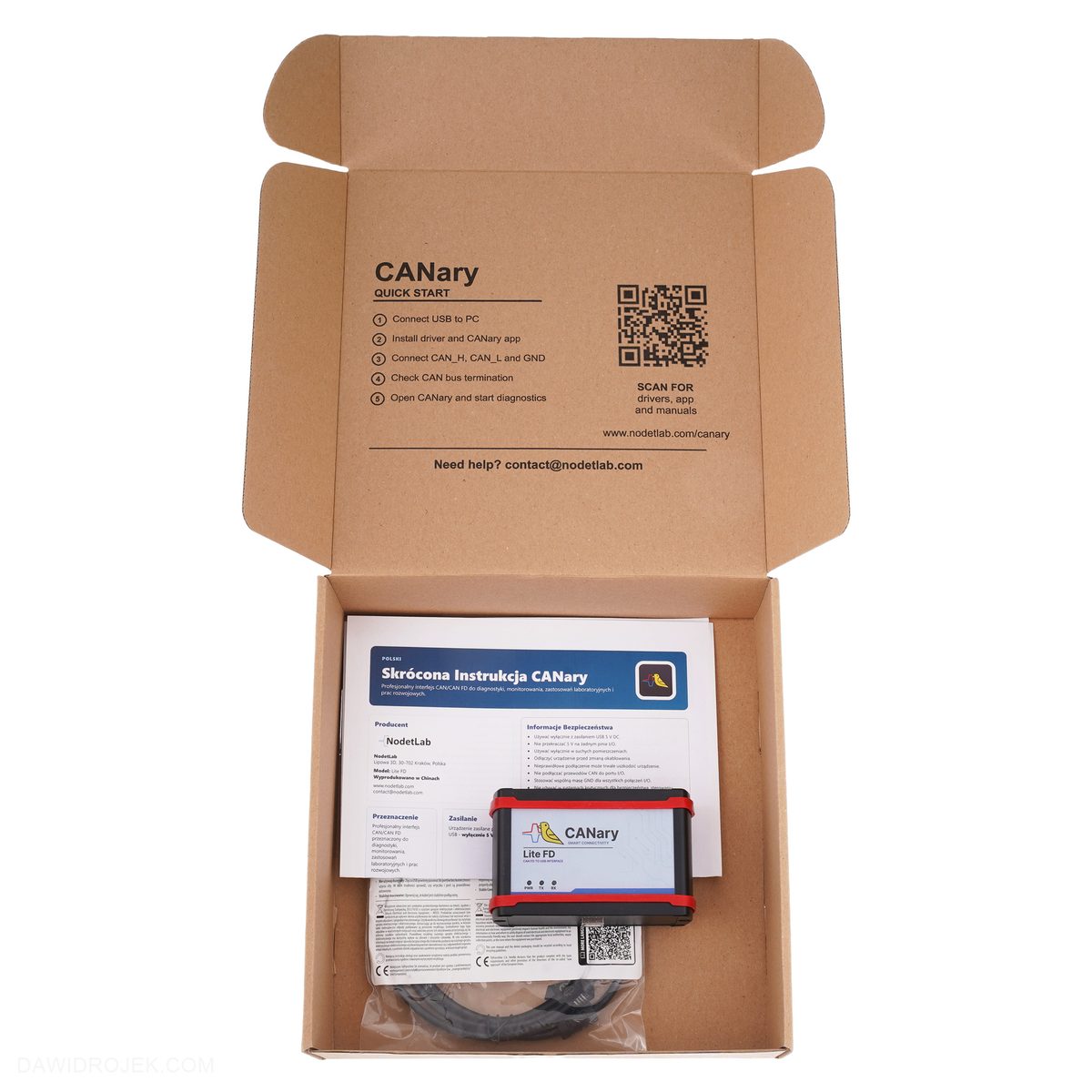

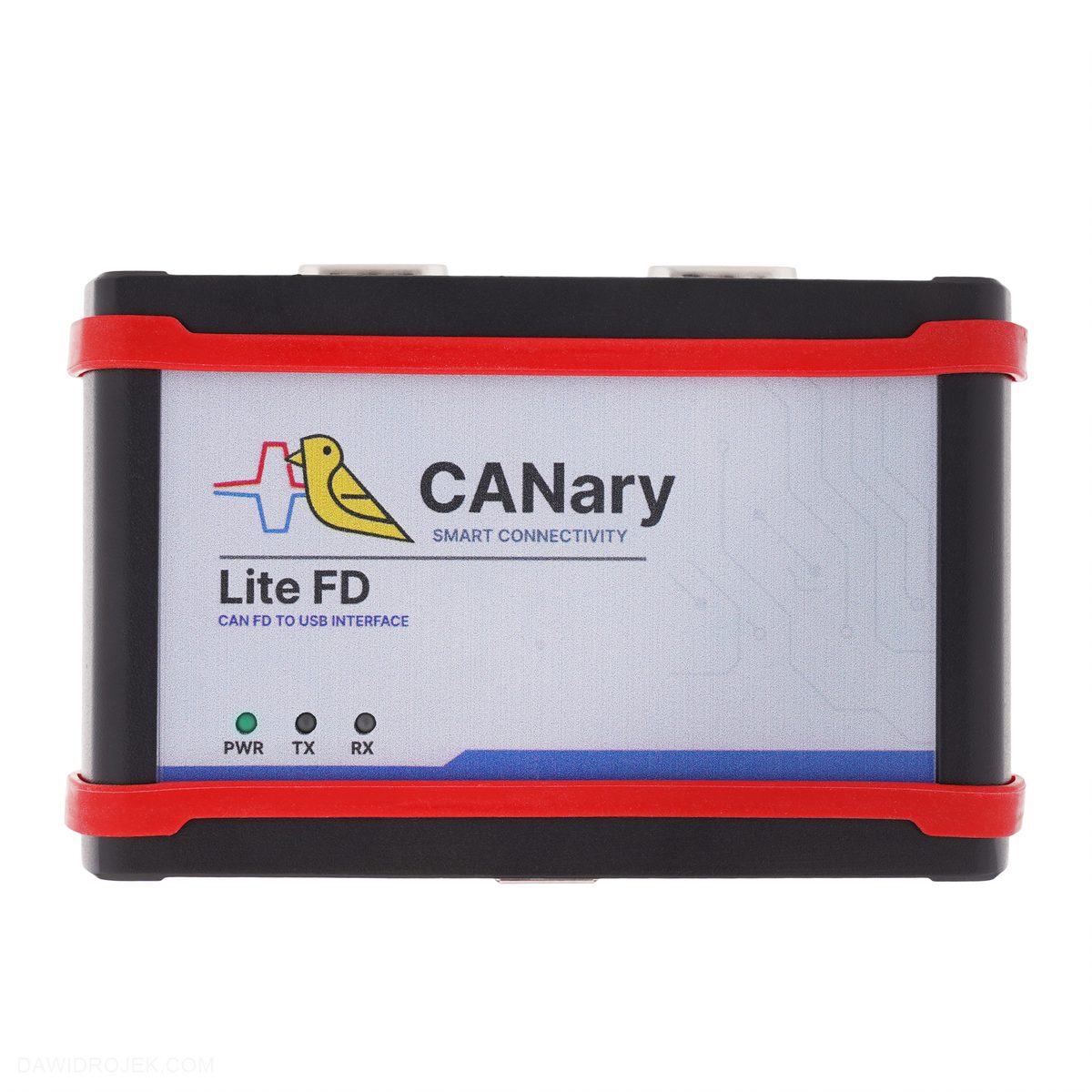
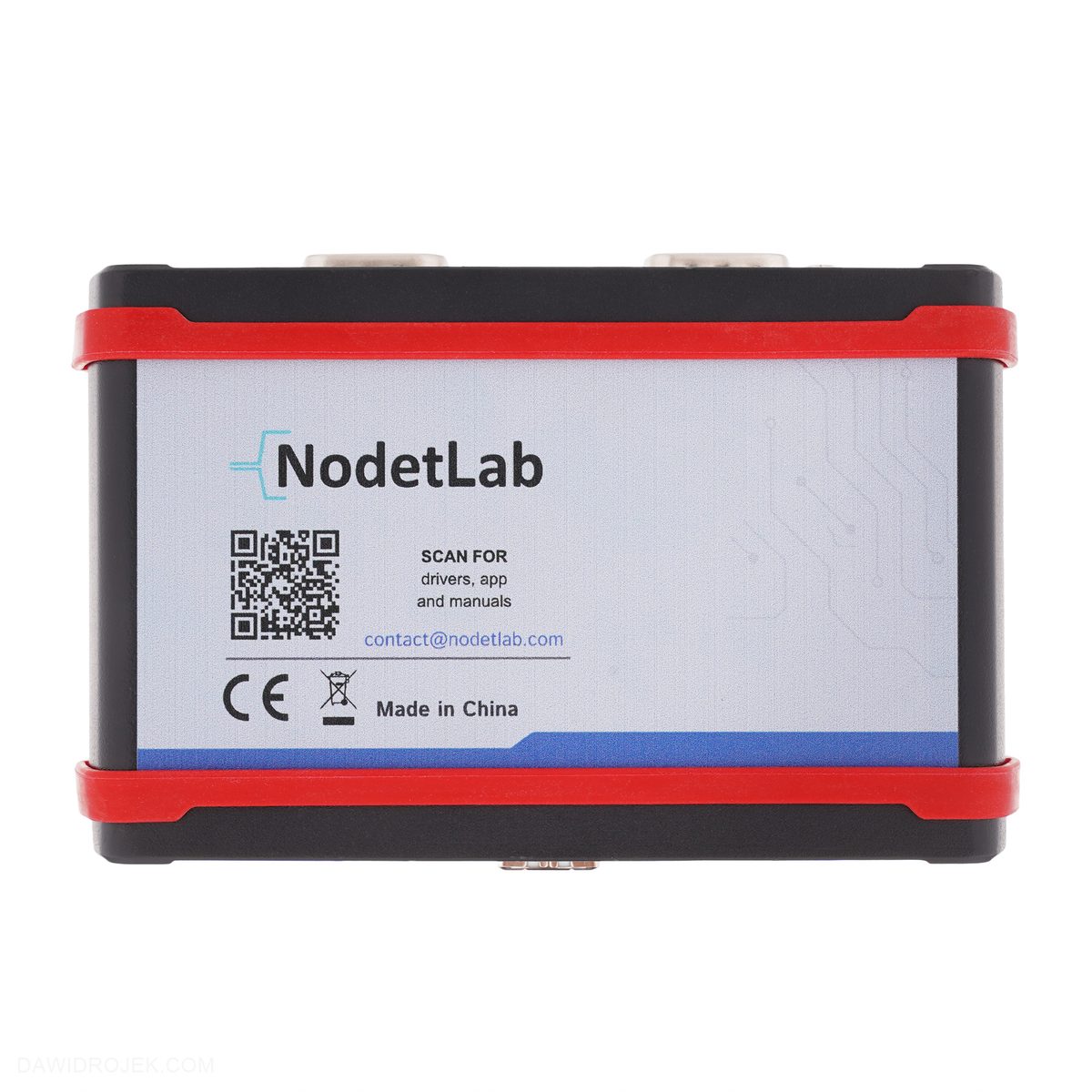
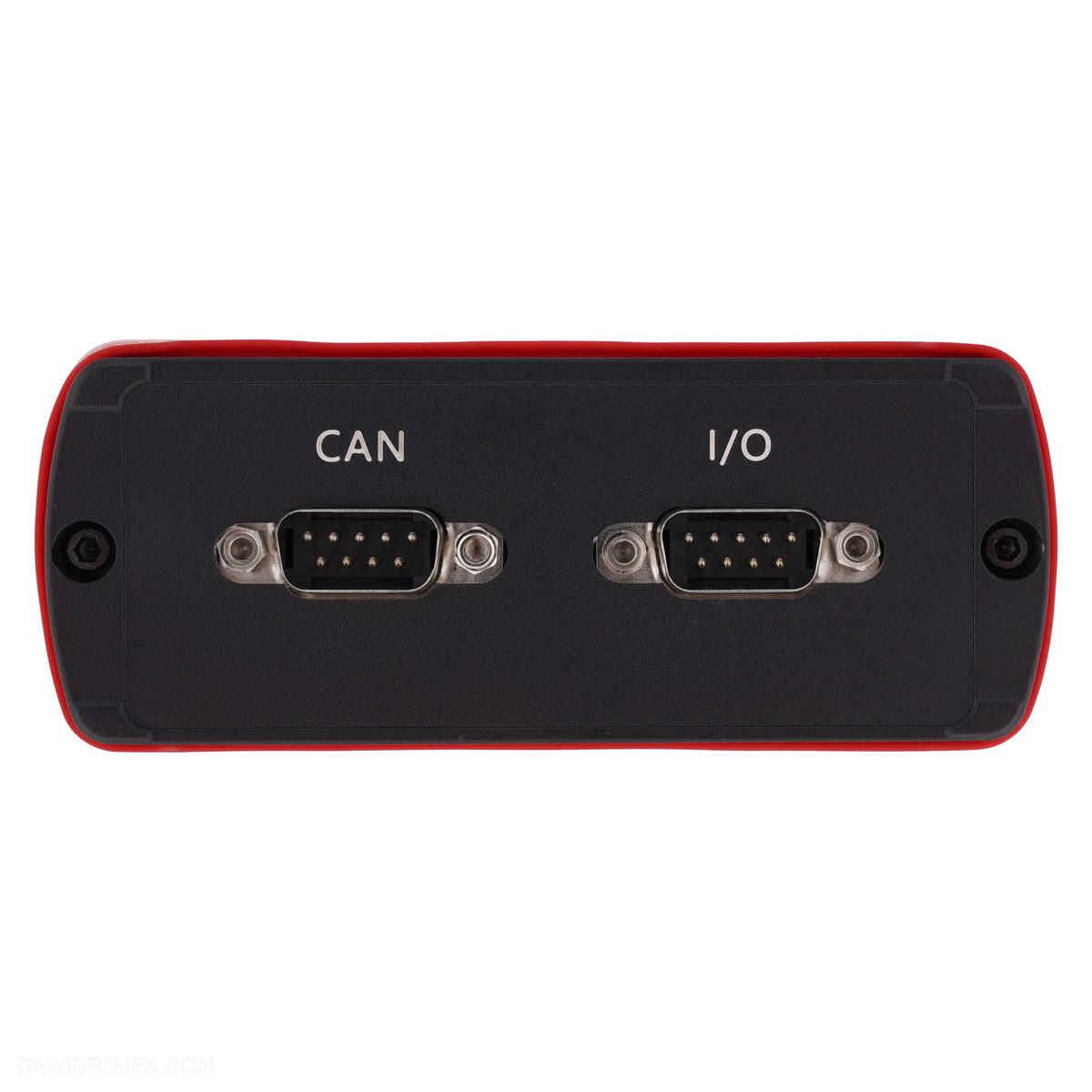

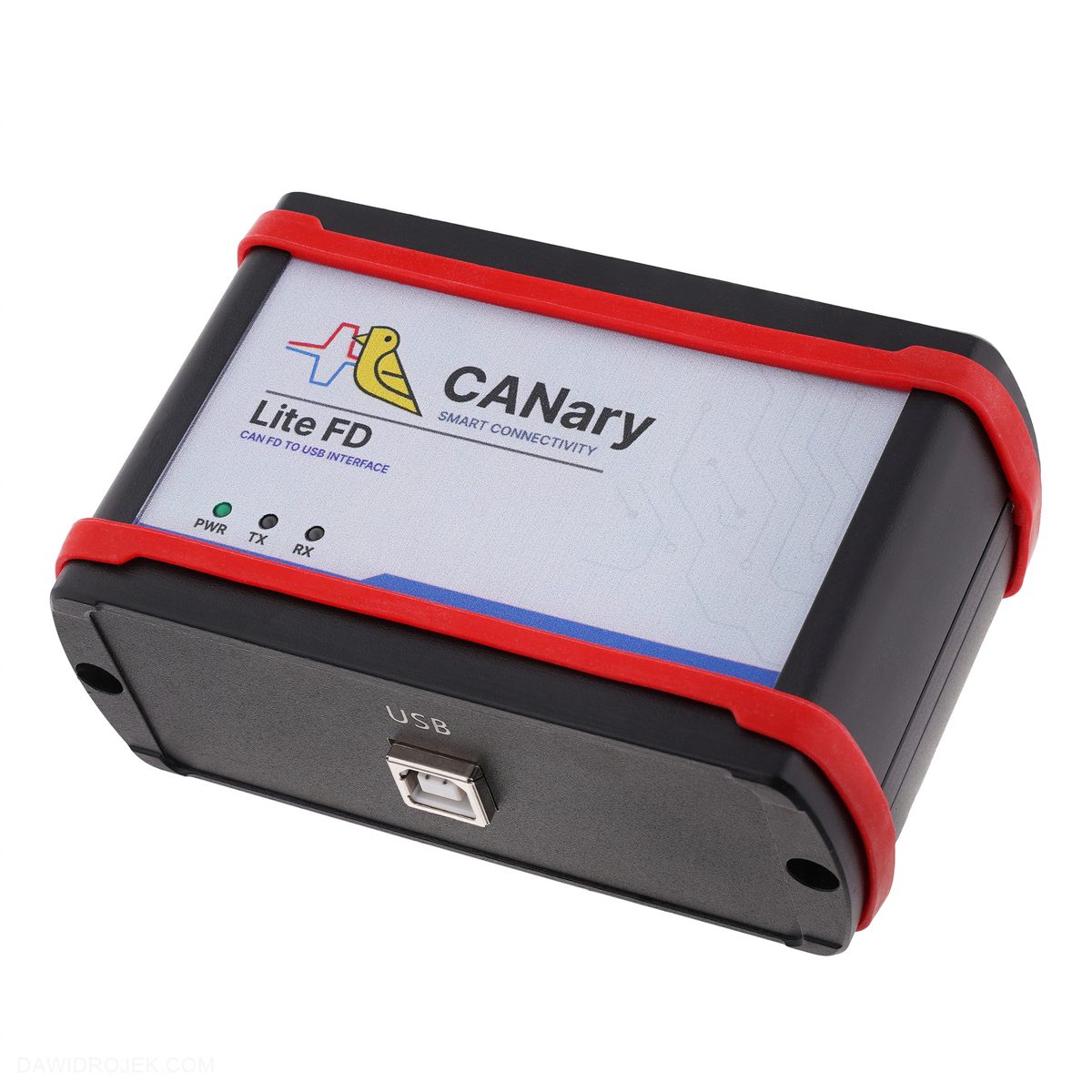

Order CANary Lite FD
Software, hardware, testing, tools, and engineering support.